

Reading time: 8 min
There is this stubborn idea in small businesses that if software installs locally, asks for administrator privileges, and looks like it has not been updated since Windows XP Service Pack 2, then it must be serious. Important. Enterprise-grade.
You know the type. Big installer. License keys emailed in a PDF nobody saved properly. Menus inside menus inside some tab that only shows up if Mercury is in retrograde. If it crashes, people accept it as “normal” because, hey, it is real software.
But if the same system runs in a browser, suddenly it is suspicious. Lightweight. “Not powerful enough.” As if opening Chrome magically makes it incapable of handling anything important.
This belief is not just wrong. It actively costs small businesses money, time, and sanity.
I have worked long enough with clinics, offices, warehouses, and family-run businesses to know one thing for sure: the real world looks nothing like the software vendor’s demo environment. And web apps, boring as they may seem, survive reality far better than most so-called real software ever will.
This is not about trends. It is about durability.
What People Mean When They Say “Real Software”
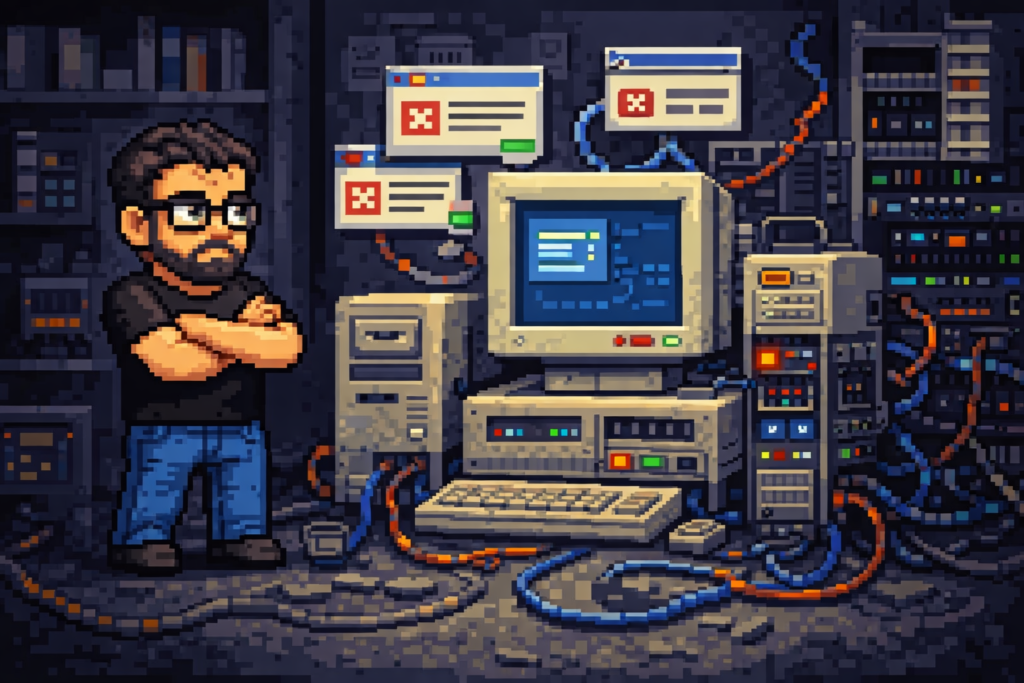
When someone says “real software,” what they usually mean is software that installs on a Windows PC, lives somewhere deep in Program Files, and occasionally throws cryptic error messages that encourage users to panic before calling IT.
It often comes with a database, but you are not supposed to know where that database lives. It has a backup feature, maybe, but nobody trusts it. There is usually one guy in the building who “understands it,” and everyone else treats it like a dangerous animal. Do not touch it. Do not update it. Do not question it.
This kind of software feels official. Heavy. Expensive. Which is exactly why people hesitate to criticize it when it becomes a problem.
Web apps do not get that free pass. They are expected to justify themselves immediately.
Ironically, they usually do.
Installation Is Not Neutral. It Is a Future Problem
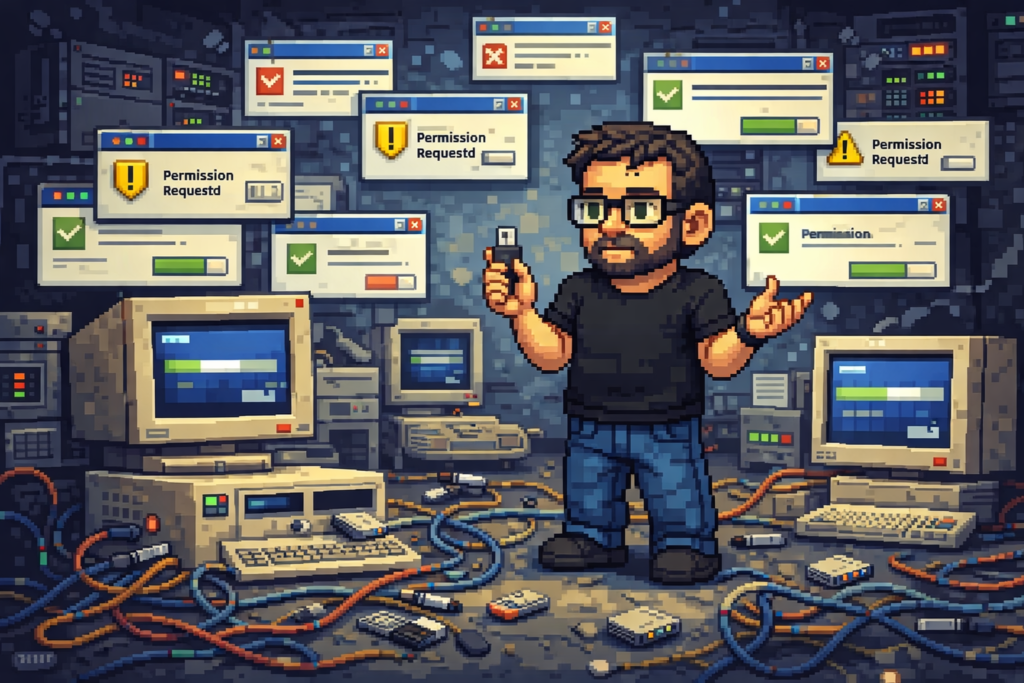
Installing software is not a harmless step you do once and forget about. Every installation is a ticking time bomb, politely waiting.
Different Windows versions behave differently. Updates break things. Antivirus software decides today is the day to quarantine a random executable. One PC has a missing runtime. Another has the correct runtime but the wrong version.
Then comes version chaos.
One machine is running version 1.7 because “it still works.” Another is on 1.9 because someone updated it last Friday. The vendor releases 2.0 and nobody wants to be the first to try it because last time “everything stopped.”
Now multiply this by ten, twenty, or fifty machines, and congratulations, you have created a maintenance problem disguised as software.
A web app does not play this game. You install once. On one server. When you update it, everyone gets the same version at the same time. No guessing. No mismatches. No “it works on my PC.”
If software requires you to manage its existence individually on every machine, it is not empowering you. It is outsourcing its problems to you.
Hardware Reality Is Ugly, and Software Needs to Respect That
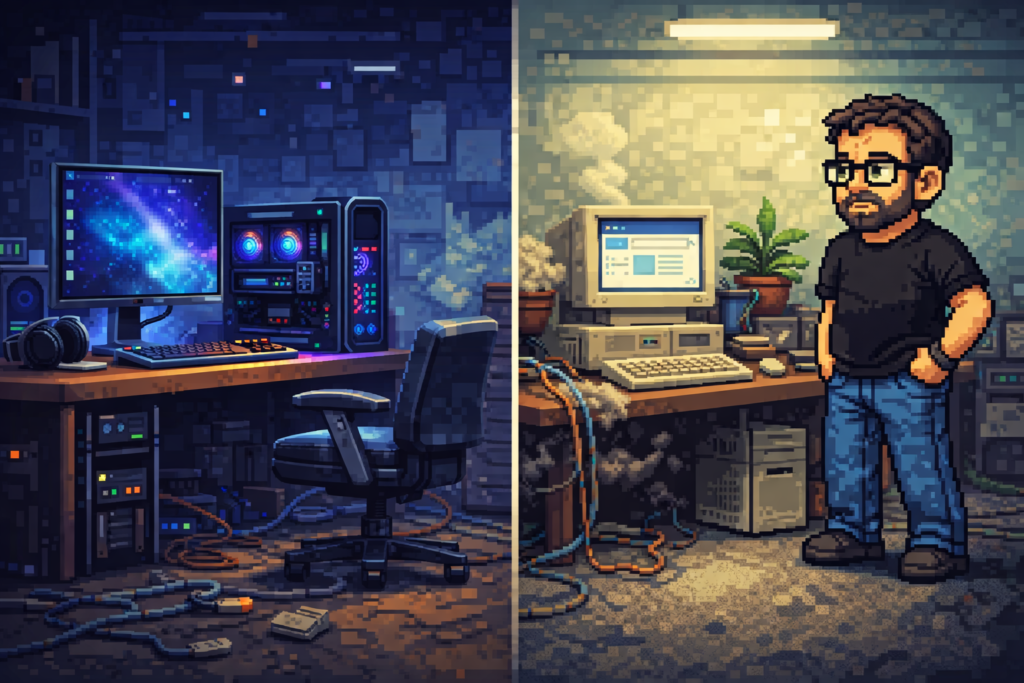
Small businesses do not refresh hardware like tech companies. They keep machines running until replacing them becomes cheaper than emotionally coping with them.
You get PCs with spinning hard drives, barely enough RAM to open email without reflection, and fans that sound like they are fighting for survival. This is not negligence. It is reality.
Desktop software almost always assumes better hardware than what is actually available. It may technically run, but it runs poorly. Slowly. With freezes. With unexplained crashes that happen just often enough to destroy trust.
Web apps shift the burden. The heavy work happens on the server. The client just renders pages. If the machine can run a modern browser, it can work.
This alone is a massive advantage, yet it is rarely framed that way.
Software that needs ideal hardware quietly becomes software that people avoid using.
Zero Training Beats Any Training Program
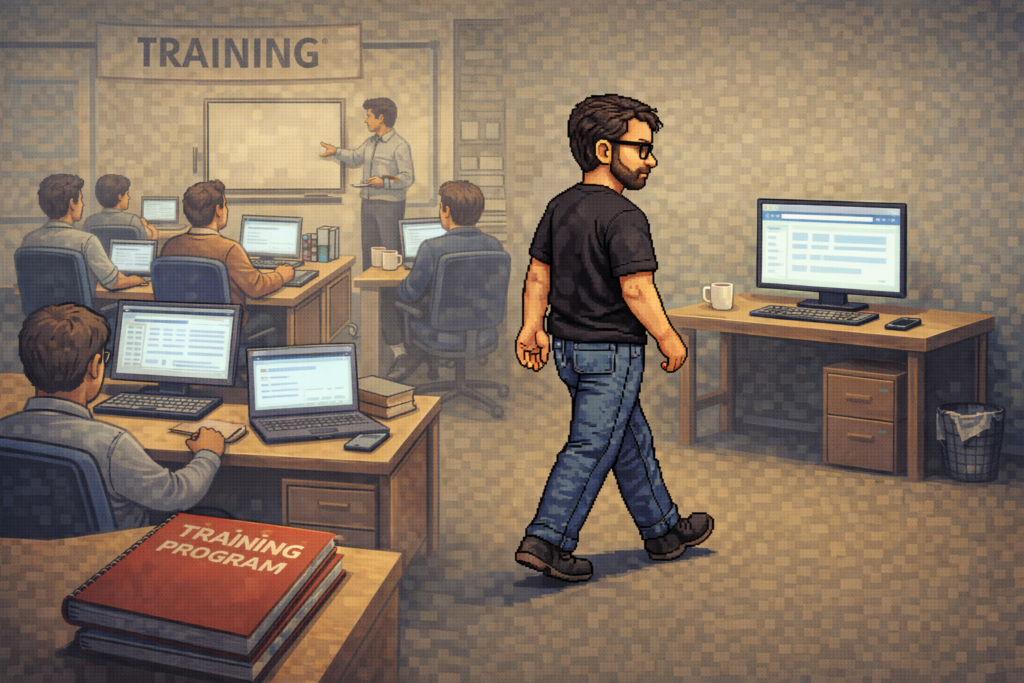
People do not like learning new software interfaces. They tolerate them because they have to.
Browsers are already familiar territory. Tabs. Links. Scrolling. Back buttons. Forms. These concepts are baked into muscle memory at this point. Even users who claim they are “bad with computers” understand browsers instinctively.
Desktop applications love reinventing basic interactions for no good reason. Custom right-click menus. Unlabeled icons. Dialog boxes that pop up asking questions nobody understands. Keyboard shortcuts that only work if you hold exactly the right keys at exactly the right time.
A web app gets a massive head start by existing inside something people already know how to use. That reduces mistakes. It reduces fear. And it reduces the amount of support time wasted explaining where buttons live.
The best training program is the one you do not need.
Updates Should Not Require Logistics

Updating desktop software in a small business is always an ordeal. It is never just “click update.”
You have to decide when to do it. Warn users. Hope nothing breaks. Sometimes uninstall first. Sometimes reinstall. Sometimes call support, wait, and listen to someone read from a script.
And if you skip updates long enough, they get scary. So you skip them even longer.
With a web app, updates are boring. One update on the server and everyone is instantly on the new version. No instructions. No disruption. No sacred timing window.
Updating software should not feel like defusing a bomb.
Backup Should Be Boring, Not Mystical
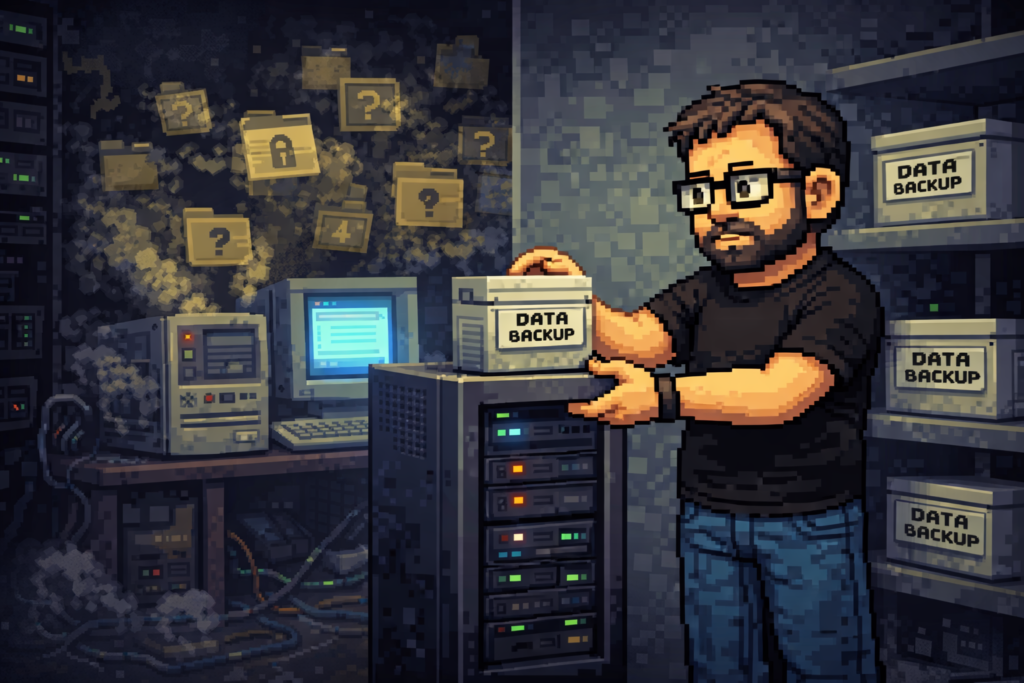
I have seen small businesses discover, years too late, that their backups were useless. Not because backups are hard, but because desktop software hides data in places nobody documented.
Sometimes the database lives in AppData. Sometimes in ProgramData. Sometimes in a folder with a name that does not remotely suggest “this contains everything your business depends on.”
Web apps force discipline. There is one database. One data directory. Backups become painfully simple. Copy. Paste. Store somewhere safe. Done.
Boring backups are reliable backups.
The CSS Advantage Nobody Sells You
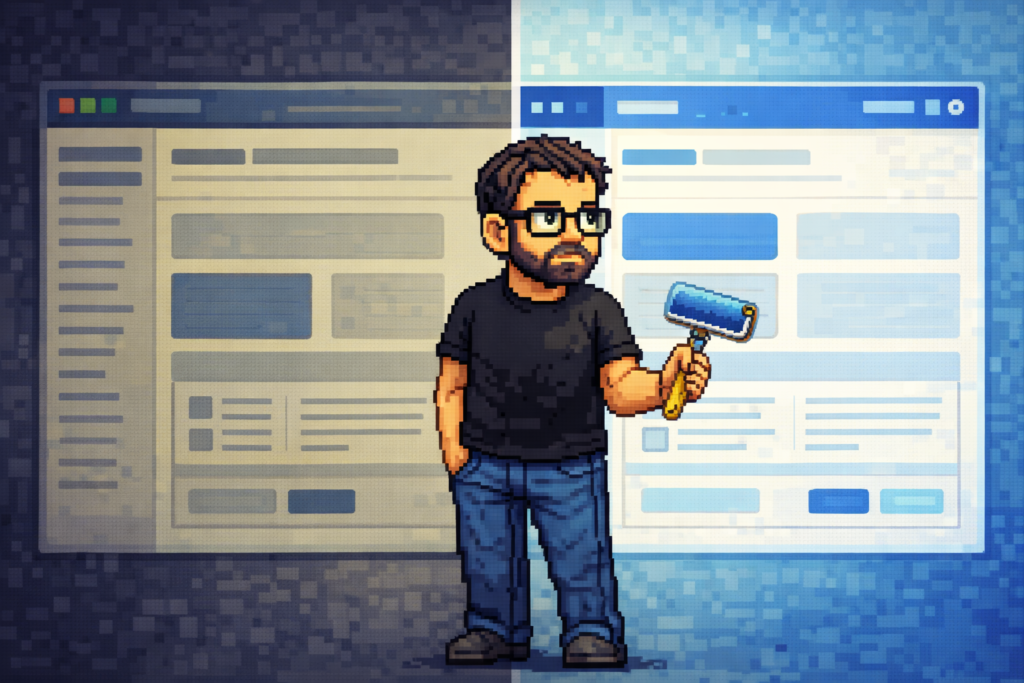
This is one of the most underrated strengths of web apps.
Business logic ages well. Interfaces do not.
A system can be functionally excellent and still look ancient five years later. With desktop software, refreshing the interface often means rewriting large portions of the application. With web apps, it can mean new CSS.
The logic stays. The workflows stay. The data stays. The look changes.
You can make a system feel modern again without tearing out its organs. That flexibility is priceless in small businesses that cannot justify frequent rewrites just to keep things looking acceptable.
Security Without Theater
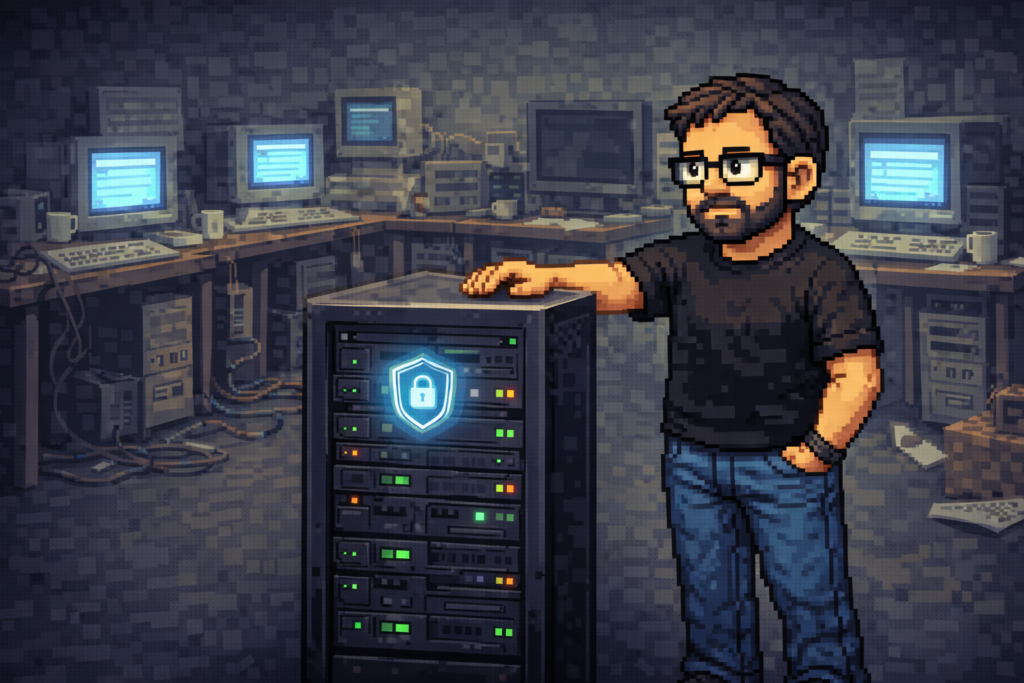
Security does not need buzzwords. It needs sensible architecture.
Web apps centralize access. Permissions are enforced server-side. Data stays in one controlled place. You can audit access. Revoke permissions instantly. Lock things down without touching dozens of machines.
Desktop software scatters responsibility across endpoints it does not control. Every machine becomes a potential leak, misconfiguration, or forgotten cache of sensitive data.
Security is not about sounding impressive. It is about reducing surface area. Web apps do that naturally.
Yes, Desktop Software Has Its Place
This is not religious doctrine. Desktop software has legitimate use cases.
Video editing. Heavy CAD. Offline-first industrial systems. Anything that truly needs local performance or guaranteed offline access.
Most small businesses do none of that.
They manage people, paperwork, approvals, reports, inventory, and schedules. None of these require heavyweight local installs or proprietary UI frameworks from a different decade.
Using desktop software for basic operations often solves a problem that did not exist while creating several new ones.
The Silent Advantage: Survivability

Here is the part nobody markets.
Web apps survive staff turnover.
When the one person who “knows the system” leaves, the system should not collapse with them. Browser-based systems are easier to explain, easier to document, and easier to hand over.
There is less magic. Less ritual knowledge. Less dependence on specific machines or personal setups.
That resilience matters more than any feature list.
The Boring Future That Keeps Working
Good software should fade into the background. It should not demand admiration. It should not require constant intervention. It should just work while people focus on their actual jobs.
Web apps do this better in small businesses not because they are trendy, but because they respect reality.
Reality has old PCs, limited budgets, minimal training, and one overworked IT guy doing six roles at once.
The browser is already there. It works. It updates itself. It does not ask permission to exist.
When nobody is watching, when nothing exciting is happening, when business grinds forward quietly, the web app is still running. Still accessible. Still boring.
And that is exactly what real software should be.
Hey! Wanna speed up your workflow with some windows shortcuts? Read this: Speeding up your flow with windows shortcuts